

Our Master Vend solution is designed to bridge the gap between workers, recruiters, second-tier suppliers, and customers, providing a consolidated management overview of multiple Sabre Rec users. The vendor invites suppliers, who will then be granted access via the Sabre Rec module.
Request your demoSabre Vend Core Features
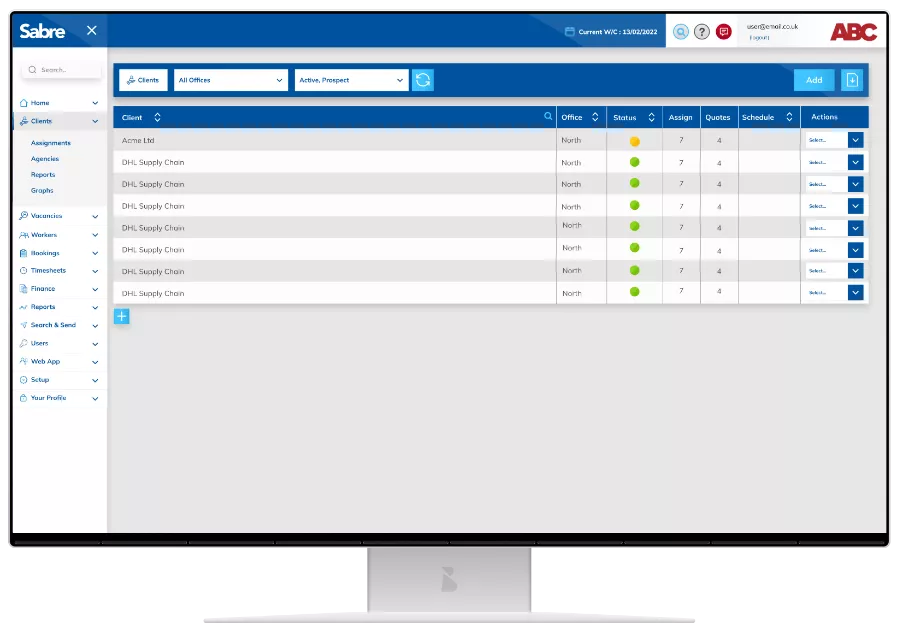
Clients
Set up a client profile and add assignment details to be viewed and to be supplied.
- Add assignment details
- Define specific worker roles
- Specify training and assessment requirements
- Input charge rates for each assignment
- Nominate and invite suppliers to assignments
Bookings
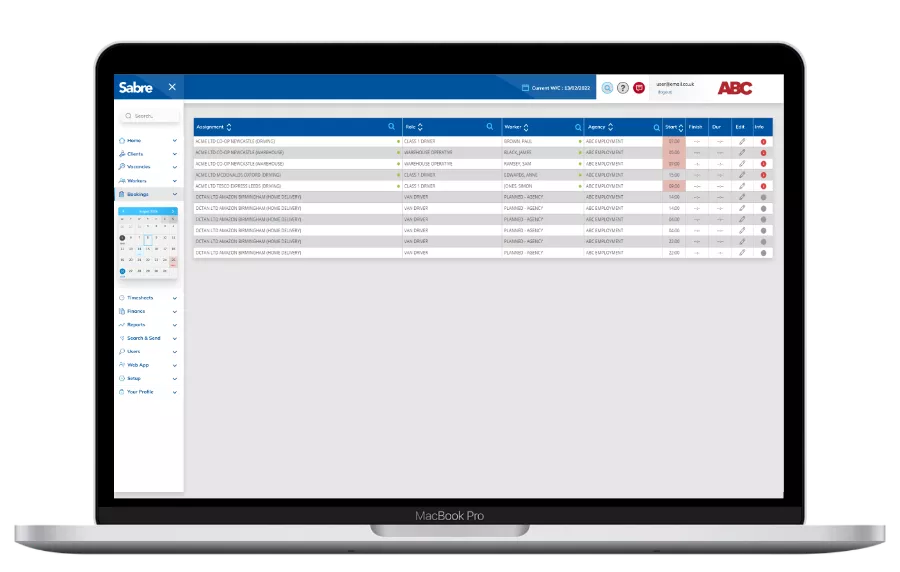
In the booking section, request workers by ASSIGNMENT, ROLE, and SUPPLIER. Specify the time, date, and number of bookings requested.
- Suppliers can view requests and allocate workers that have been added via the Sabre Rec module
- Vendors can view booking details and fulfilment percentages and view workers allocated to their bookings, including high-level compliance data
Pre booking checks include:
- No duplicate drivers or blacklisted workers
- Assignment training requirements met
- Modern slavery checks
- Appropriate contract types
- DNI criteria met
- Reference criteria met
- DBS checks
- Required rest periods, based on hours worked for you
- GDPR and parity status
- Full DVLA integration for automated licence, tacho and DQC checks
Timesheets
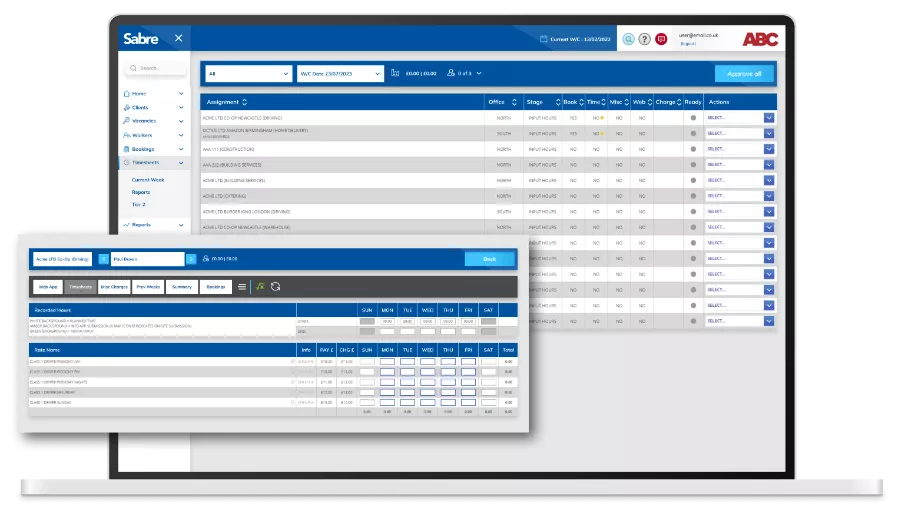
Suppliers can input, edit, and submit hours for approval. They can also add miscellaneous charges, expenses, or hours missed from a previous week.
Vendors can:
- View detailed timesheets by supplier, add a PO, and review the approval history
- View historical data
Finance
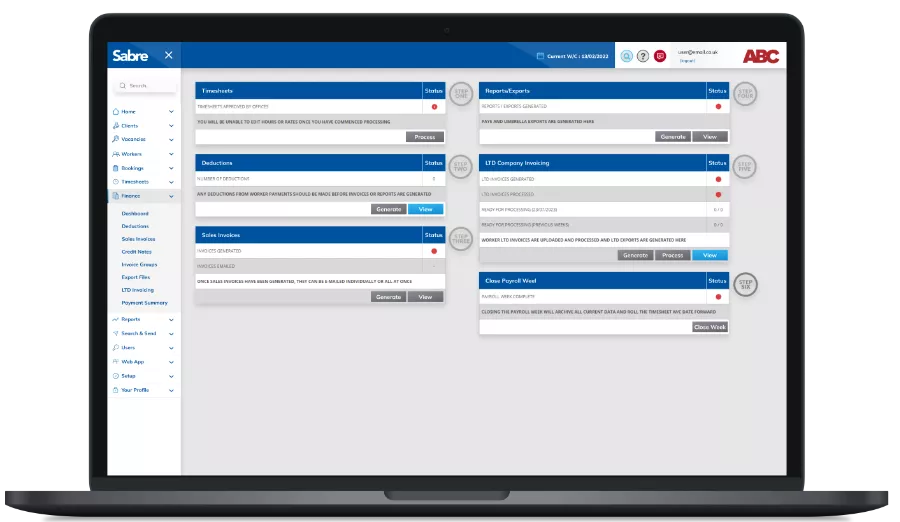
Sabre raises the respective supplier invoices, which appear in the consolidated invoice screen.
- From here, vendors can view the invoice, delete it, or mark it as paid
- Download CSV reports by supplier
- Previous weeks can be viewed and downloaded using the date selector
Reports
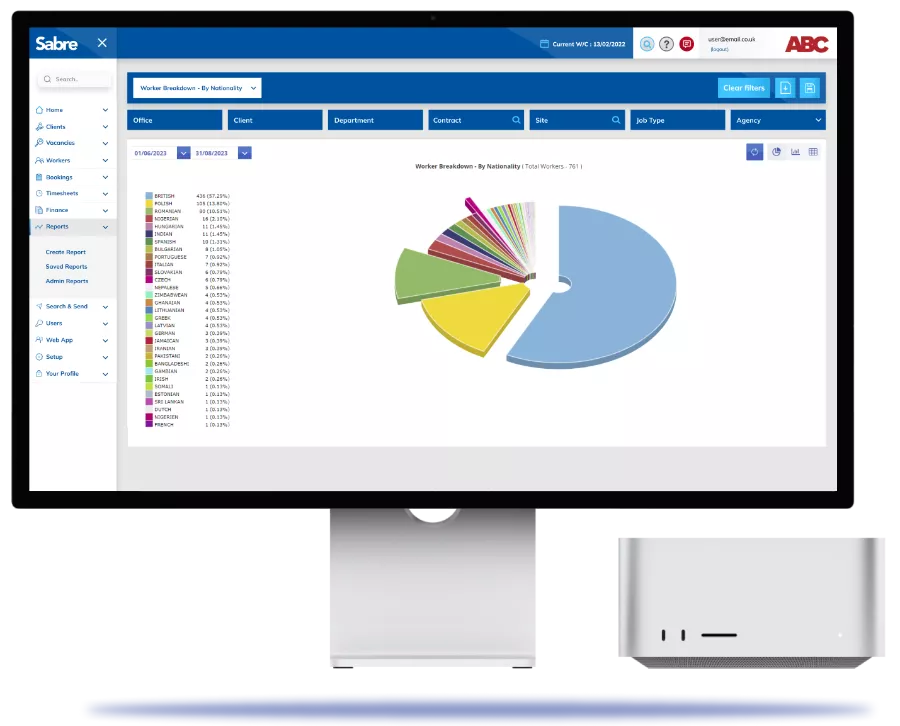
A variety of reports are available; however, these are generally vendor-specific and will be designed according to specific requirements. Typically, these include:
- Shifts fulfilled, cancelled, or deleted by supplier
- Timesheet totals by supplier
- Invoice totals by supplier
- Reports can be downloaded in CSV format
Automate your workflow
..so you can do more important stuff.